

Blog UzzAIConversations
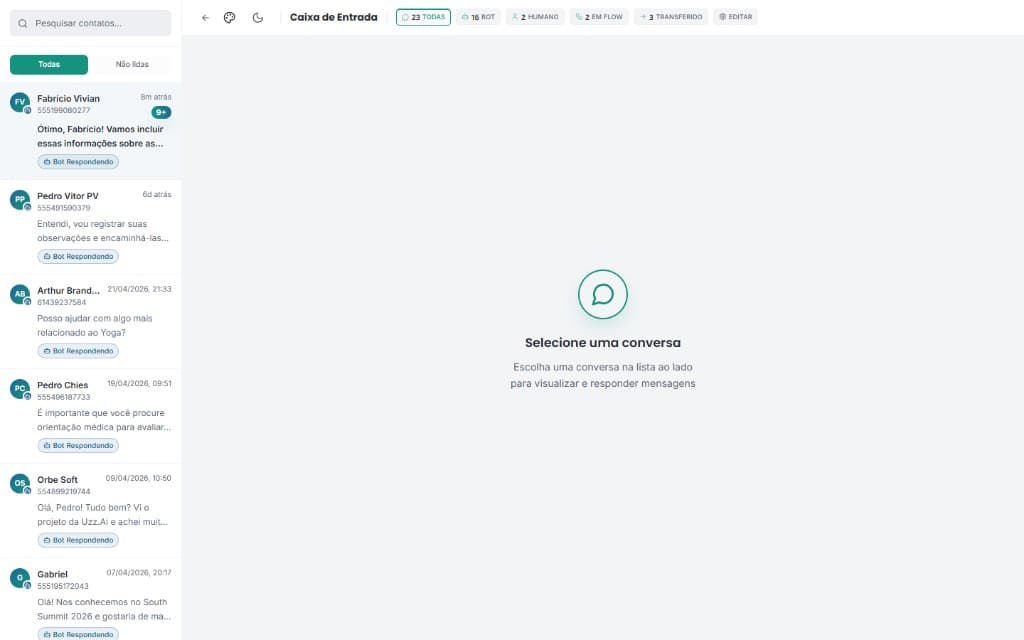
Filters and Conversation History
How to use filters, advanced search and access conversation history in UzzApp.
3/5/2026•4 min•By Equipe Uzz.Ai
Scroll to discover the full journey
Summary4 sections
UzzApp stores all conversation history permanently and provides powerful filters to quickly find specific conversations.
Available filters
- Status: open, pending, resolved, snoozed.
- Assigned agent: filter by responsible.
- Labels/tags: filter by categories.
- Date range: conversations in a specific period.
- Text search: keyword in messages.
- Channel: if you have multiple numbers connected.
How to export conversation history
- 1Apply the desired filters.
- 2Click "Export" → CSV or PDF format.
- 3File sent to registered email.